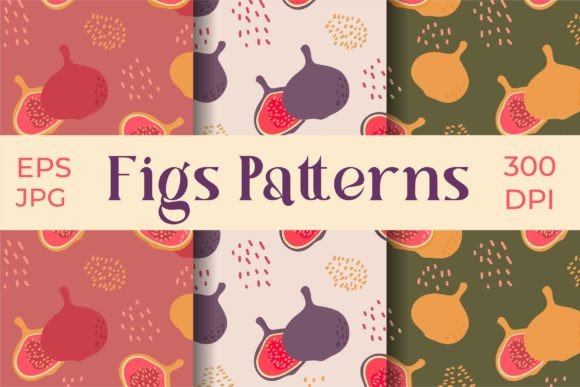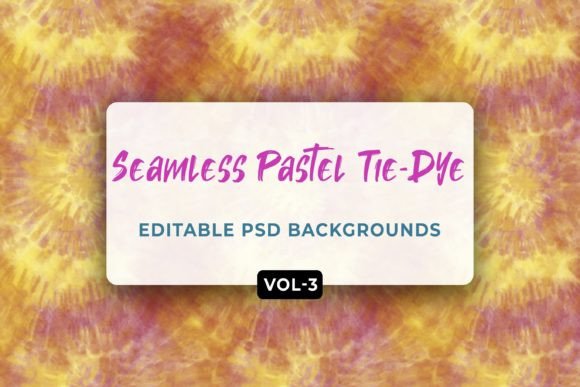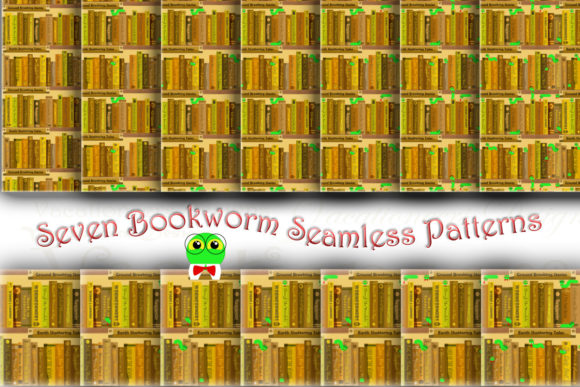
3D Patterns: Practical, Editable Design Resources for Creative Professionals and DIY Enthusiasts
If you're designing signage, crafting custom apparel, producing laser-cut decor, or building digital assets for web or print — you know how much time and effort goes into sourcing high-quality, production-ready patterns. That’s where 3D Patterns steps in: not as abstract visual effects or complex modeling tools, but as ready-to-use, professionally crafted pattern files designed for real-world application.
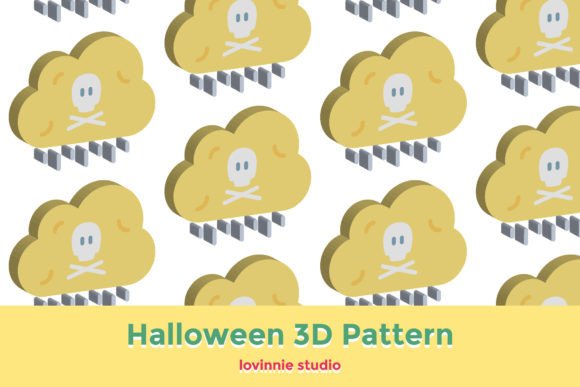
Unlike generic 2D repeats or low-resolution textures, 3D Patterns deliver depth, dimensionality, and tactile realism — achieved through intelligent shading, layered gradients, and perspective-aware geometry. These aren’t just “flat” designs with a shadow slapped on top. They’re thoughtfully constructed to simulate volume, surface texture, and light interaction — making them ideal for applications where authenticity and visual impact matter.
What Challenges Do Users Face With Pattern Design?
Creative professionals and hands-on makers often run into the same recurring hurdles:
- Time constraints — Building dimensional patterns from scratch in vector or raster editors demands advanced skills and hours of iteration.
- Format limitations — A design that works beautifully in Illustrator may not scale cleanly for CNC routing, or may lose transparency when imported into Cricut Design Space.
- Editability trade-offs — Many free or low-cost pattern downloads are flattened, locked, or embedded — making color changes, sizing adjustments, or element repositioning nearly impossible.
- Resolution anxiety — Printing large banners or cutting intricate vinyl decals requires crisp output at multiple scales — yet many pattern files degrade above 1000 px or fail in vector workflows.
These challenges slow down projects, increase revision cycles, and sometimes force compromises in quality or scope.
How 3D Patterns Solves Real-World Workflow Gaps
The 3D Patterns collection was built to close those gaps — intentionally. Every pattern is delivered in six widely compatible formats: AI (Adobe Illustrator), EPS (universal vector), SVG (web and cutting machines), DXF (CNC, laser, and CAD software), JPG (quick preview and raster use), and PNG (with transparent background). This isn’t just variety for variety’s sake — it’s flexibility engineered for how people actually work.
For example:
- A graphic designer preparing a branded packaging mockup can drop the SVG directly into Figma or Adobe XD, adjust colors via CSS or layer properties, and export crisp previews — all without opening Illustrator.
- A laser cutter user working with plywood or acrylic can import the DXF file into LightBurn or RDWorks, scale it precisely to fit their bed size, and begin cutting within minutes — no tracing, no path cleanup, no guesswork.
- A print-on-demand creator uploading to platforms like Printful or Redbubble benefits from the high-resolution JPG and PNG versions (1920 px × 1280 px), which meet most marketplace requirements while retaining clarity on large-format products like wall art or throw pillows.
And because every file maintains consistent canvas dimensions across formats, switching between tools feels seamless — no more recalculating scale ratios or manually resizing layers to match.
Practical Applications You Can Implement Today
3D Patterns shine where visual hierarchy, texture, and spatial interest elevate a project. Here are proven use cases backed by real user feedback:
- Product Mockups & Presentations: Apply a subtle geometric 3D pattern as a background layer behind product photography — instantly adding sophistication and context without distracting from the item itself.
- Custom Apparel & Textiles: Use tileable 3D Patterns for screen-printed t-shirts, embroidered patches, or woven jacquard fabric — the depth cues translate beautifully even at small scales.
- Architectural Visualizations: Integrate metallic or concrete-style 3D Patterns into Revit or SketchUp material libraries to add realism to façade studies or interior renders.
- Educational & Infographic Design: Replace flat icons or generic stock backgrounds with dimensional patterns that reinforce concepts — e.g., a layered hexagonal 3D Pattern to visualize data networks or molecular structures.
Importantly, each 3D Patterns file is structured for adaptability. Paths remain ungrouped in vector formats (AI/EPS/SVG/DXF), allowing users to isolate individual elements, recolor sections independently, or delete unwanted layers — all without breaking the overall composition.
Tailoring 3D Patterns to Your Workflow Style
Not every user approaches design the same way — and 3D Patterns respects that diversity:
- If you prefer speed over control: Start with the JPG or PNG. Drag-and-drop into Canva, PowerPoint, or social media tools. Adjust opacity or blend mode for instant integration.
- If precision matters most: Open the AI or EPS file in Illustrator. Use Global Colors or Appearance panels to update hues across the entire pattern in one click. Export new variants for A/B testing.
- If you work across hardware ecosystems: Import the DXF into your laser cutter or the SVG into your Silhouette Cameo — then use the built-in alignment tools to nest shapes efficiently and reduce material waste.
There’s no “right” entry point — only the one that fits your current toolset, timeline, and goals.
Key Considerations Before You Begin
To get the most from 3D Patterns, keep these practical notes in mind:
- Always check your software’s import preferences. Some apps default to embedding instead of linking — especially with EPS or SVG. For editable results, choose “Place as Linked” or “Preserve Editability” where available.
- When scaling beyond 1920×1280 px, rely on vector formats (AI/EPS/SVG/DXF) — they’ll retain sharpness at any size. Raster files (JPG/PNG) are optimized for standard HD displays and common print sizes up to 24″×16″ at 150 DPI.
- Transparency is preserved in PNG and SVG — crucial if you’re layering over photos, gradients, or brand-colored backgrounds.
- All files are non-destructive and royalty-free for both personal and commercial use — no attribution required, no hidden fees per project.
Finally, remember: 3D Patterns isn’t about replacing your skills — it’s about amplifying them. It saves time on execution so you can invest more energy in ideation, client collaboration, and creative problem-solving.
Thank you for visiting our shop — and thank you for choosing 3D Patterns. Whether you're refining a pitch deck, launching a merch line, or prototyping a physical product, these files are designed to help you move forward — confidently, efficiently, and with room to make them truly your own.