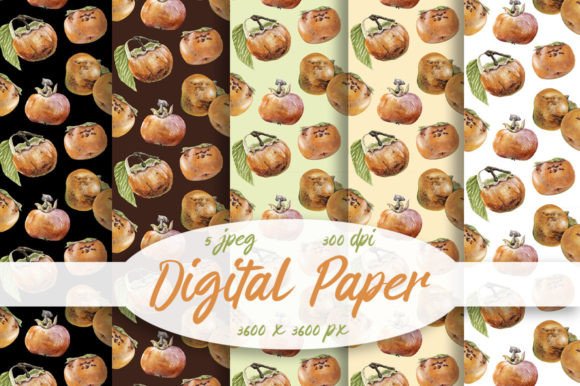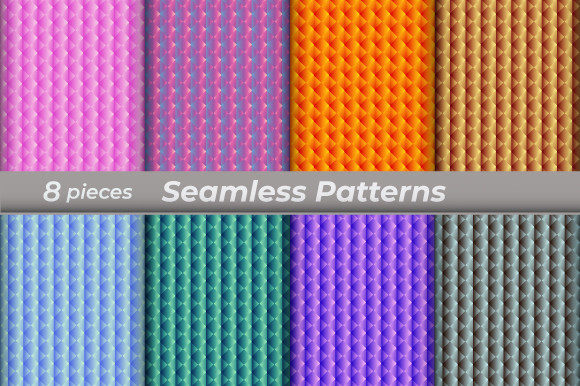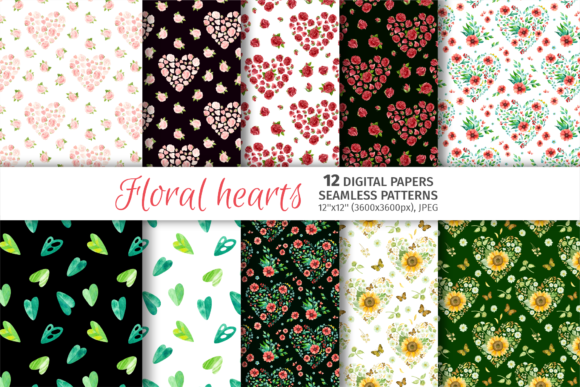
Seamless Digital Paper Set Patterns
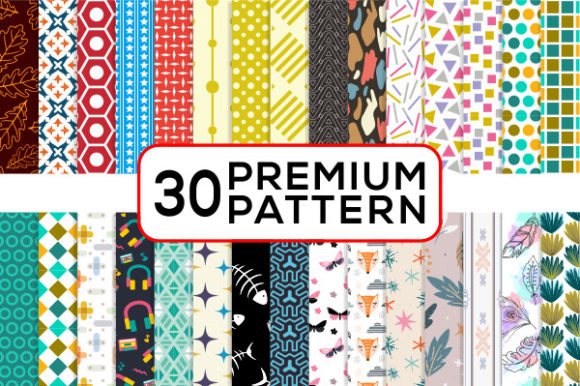
If you’ve ever spent hours trying to tile a background without visible seams—or worse, watched your design fall apart when scaled up or printed—you know how frustrating inconsistent patterns can be. Seamless Digital Paper Set Patterns solves that. It’s not just another collection of textures or repeats—it’s a thoughtfully assembled toolkit built for real creative work: predictable, high-fidelity, and ready to drop into almost any project without fuss.
What Makes These Patterns Actually Seamless?
“Seamless” isn’t just marketing speak here. Each pattern in the set is mathematically tiled so edges align perfectly—no ghost lines, no misaligned motifs, no awkward gaps when repeated across large surfaces. That means whether you’re wrapping a 24-inch wedding invitation suite or filling a 5-foot banner for a boutique storefront, the rhythm stays clean and intentional. The files include vector-based EPS and AI (Adobe Illustrator CS compatible), so scaling is lossless—no pixelation, no blur, no guesswork.
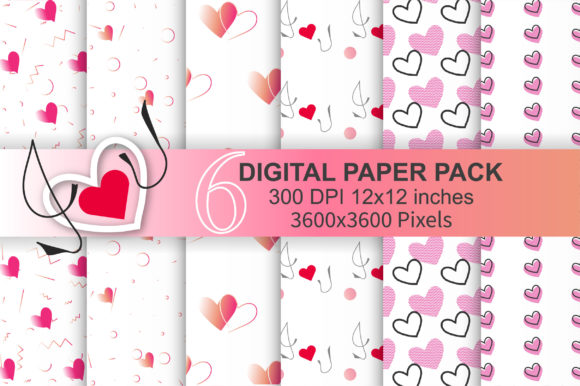
And because life happens across devices and outputs, you also get high-resolution PNGs and JPGs at 300 dpi and 2000 px wide. That covers everything from sharp print production (think letterpress invitations or foil-stamped business cards) to crisp digital use (Instagram story overlays, website hero sections, or mobile app UI elements).
Where These Patterns Shine—Beyond the Obvious
Most people reach for seamless patterns for backgrounds or scrapbooking—but this set unlocks quieter, more practical wins across unexpected contexts.
- Small-format product design: Bottle caps, jewelry charms, and magnets often need tiny, legible repeats. A busy 12-inch pattern won’t translate cleanly onto a 1-inch surface—but these are optimized for clarity even at miniature scale. One craftsperson told us she used a subtle dot-grid variant to line the interior of resin pendants, and customers kept asking, “How did you get that perfect texture inside?”
- T-shirt and apparel graphics: Unlike raster-heavy designs that break down on fabric printing, these vector-based patterns hold up beautifully on DTG (direct-to-garment) and screen-printed tees. A small-batch streetwear brand used a geometric lattice version as an all-over print for limited-run hoodies—and reported zero reprints due to alignment issues, a common pain point with non-seamless assets.
- Digital-first creators: Website designers, Notion template makers, and Canva creators rely on fast-loading, versatile assets. The included PNGs are web-optimized (transparent where needed), and the vector files let you recolor on the fly—no need to beg your designer for five variants of the same motif.
- Nail wraps and beauty branding: Yes—really. Nail art designers use repeat patterns to create cohesive wrap collections. A soft watercolor-repeat variant from this set was adapted into a full line of press-on sets, with clients noting how “the design flowed naturally over each nail curve instead of cutting off mid-floral.”
Who Uses This—And Why It Fits Their Workflow
This isn’t one-size-fits-all. Different users lean into different parts of the package based on their tools, output needs, and time constraints.
- Print designers and stationers prioritize the EPS and AI files—they drop directly into InDesign layouts, retain editable layers, and export flawlessly to PDF/X-1a for commercial printers. They also appreciate that every pattern includes a 1-inch bleed guide in the vector file, saving them from last-minute preflight panic.
- Social media managers and content creators skip straight to the PNGs. They drag-and-drop into CapCut, Canva, or Premiere Pro for branded video intros, Instagram highlight covers, or Pinterest pins—no color profile mismatches, no resizing lag.
- DIY crafters and Etsy sellers love the JPGs. They’re ideal for Cricut Design Space, Silhouette Studio, or Printful uploads—no extra conversion steps, no transparency surprises, and consistent color rendering across home inkjet printers and third-party POD services.
- Web developers and UI designers use the SVG-ready vector files (via Illustrator export) for CSS background-repeat or inline SVG fills—ensuring responsive, lightweight patterns that scale cleanly on retina displays and foldable phones alike.
Things to Keep in Mind Before You Dive In
Even great tools work best when matched to realistic expectations. Here’s what seasoned users notice:
- Color mode matters: All files are provided in RGB—ideal for screens and most modern print workflows. If you’re sending to an older offset printer that strictly requires CMYK, plan a quick conversion in Illustrator (Edit > Edit Colors > Convert to CMYK) and soft-proof first. The patterns hold up well, but fine-tuning saturation helps preserve subtlety.
- Not all repeats suit all moods: A bold tribal motif may energize a festival T-shirt but overwhelm a minimalist baby announcement. Take time to test scale and density in context—zoom out to 25% in your layout app to see how it reads at a glance.
- Transparency isn’t automatic: The PNGs include transparent backgrounds, but the JPGs do not. If you’re layering over photos or gradients, grab the PNG. If you’re uploading to platforms that don’t support transparency (like some email builders), the JPG is your friend.
- File organization is thoughtful—but not magic: The ZIP groups by style (e.g., “Watercolor,” “Geometric,” “Textural”), not by use case. So if you’re designing bottle caps, you’ll want to preview small-scale legibility across several folders—not just the “Mini” category.
Why This Set Stands Out in a Crowded Space
There are thousands of free and paid pattern packs online. What makes Seamless Digital Paper Set Patterns consistently useful isn’t just resolution or format variety—it’s consistency of intent. Every pattern was tested across at least three real-world outputs: printed on matte cardstock, applied to a curved phone case mockup, and animated subtly in After Effects. That cross-medium validation shows up in daily use: fewer revisions, faster client approvals, and less time troubleshooting alignment.
It’s also built for iteration—not just decoration. Because the vector files retain editable strokes, swatches, and grouping, you can tweak spacing, shift hue balance, or isolate one motif to build a custom icon set. One jewelry designer extracted a single leaf shape from a botanical repeat, mirrored it, and turned it into a signature pendant silhouette—all without starting from scratch.
Whether you’re launching your first Etsy shop, redesigning your studio’s brand assets, or prepping for a gallery show with hand-bound artist books, Seamless Digital Paper Set Patterns works quietly in the background—so your ideas stay front and center.