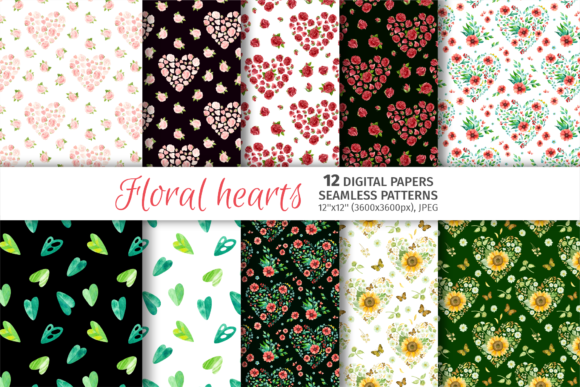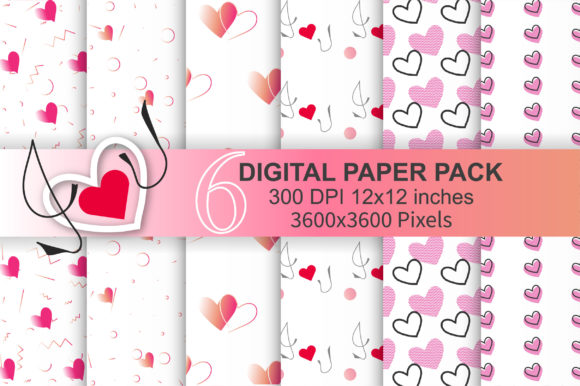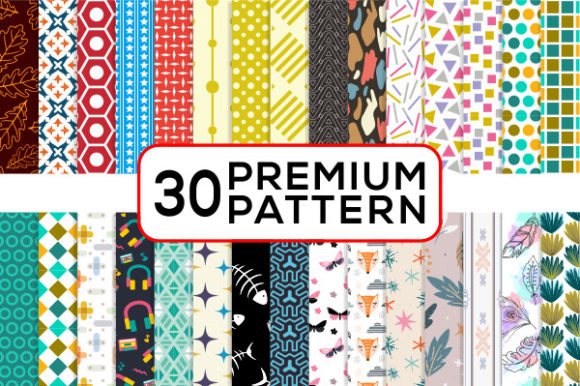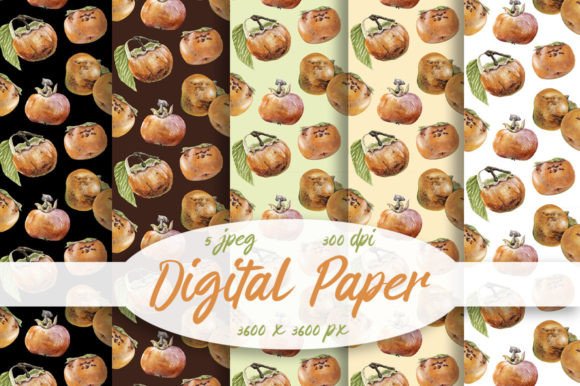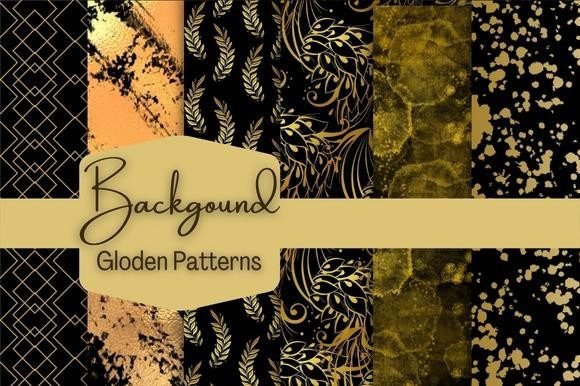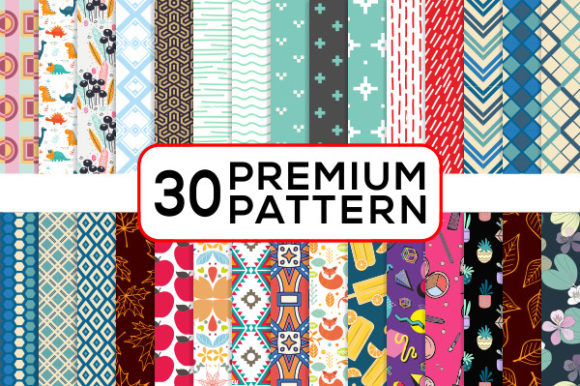
Patterns Digital Paper Set
If you're designing invitations, branding merchandise, or building a cohesive visual identity—fast, flexible, and polished resources make all the difference. The Patterns Digital Paper Set delivers exactly that: a thoughtfully curated collection of repeatable, high-fidelity pattern assets built for real-world creative work—not just decoration, but functional design infrastructure.
What Makes This Set Stand Out
This isn’t just another bundle of clipart or generic textures. Every pattern is crafted with intention—balanced scale, consistent spacing, intentional color harmony, and seamless tiling behavior. Each file is delivered in multiple industry-standard formats: Adobe Illustrator (CS+), EPS (vector, fully editable), PNG (transparent background, crisp edges), and high-resolution JPG (300 dpi, 2000 px wide). That means whether you’re scaling a motif to wrap a custom phone case or dropping it into a print-ready wedding invitation layout, you won’t hit pixelation, distortion, or editing roadblocks.
The set avoids over-saturation and trend-chasing. Instead, it leans into timeless rhythm—geometric precision, organic flow, subtle texture overlays, and minimalist repeats that hold up across contexts. Colors are carefully calibrated for both screen and CMYK output, reducing guesswork during handoff to printers or production partners.
Where These Patterns Actually Get Used
Creative professionals don’t just *own* assets—they deploy them. Here’s how users across disciplines apply the Patterns Digital Paper Set day to day:
- Invitations & Stationery: Layer patterns as subtle backgrounds behind foil-stamped text or use them as border elements on save-the-dates—no more wrestling with alignment or bleed zones.
- T-Shirts & Apparel: Scale motifs to fit chest prints or full-back placements without losing clarity. Vector files let you adjust line weight or recolor on the fly for seasonal variations.
- Bottle Caps & Packaging: Circular repeats adapt cleanly to curved surfaces when mocked up in packaging software—especially useful for craft breweries, candle makers, or small-batch skincare brands.
- Digital Products: Use PNGs as CSS background tiles for website sections, dashboard UI elements, or email newsletter headers—lightweight, responsive, and retina-ready.
- Paper Crafts & Cards: Import EPS files directly into Cricut Design Space or Silhouette Studio for precise cut lines—or print at home on cardstock for handmade greeting cards with pro-level consistency.
- Nail Wraps & Jewelry: Small-scale patterns translate beautifully to micro-surfaces. A 2000 px JPG gives enough resolution to isolate and resize motifs down to 5 mm without softening.
- Educational Materials: Teachers and course designers embed patterns into worksheets, slide decks, or printable planners—adding visual hierarchy without overwhelming content.
Why Format Variety Matters More Than You Think
Having only one file type limits your options—and your workflow efficiency. If you’re a freelance designer juggling client requests, you might need vector files for logo integration, PNGs for quick web mockups, and JPGs for social media banners. With the Patterns Digital Paper Set, you’re not converting or upsampling—you’re selecting the right tool for the job, right away.
Illustrator and EPS files retain full editability: change colors, adjust spacing, break apart layers, or combine motifs into new composites. PNGs preserve transparency for layering over photos or gradients—ideal for digital album covers or Instagram story templates. And the 300 dpi JPGs meet print service requirements out of the box, eliminating last-minute resampling errors before sending to press.
Realistic Considerations Before You Use Them
Not every pattern works everywhere—and that’s by design. Before dropping a motif into your next project, ask yourself:
- Scale match: Is the repeat size appropriate for your surface? A large floral repeat may overwhelm a business card but shine on a tote bag. Preview at actual output size—not just zoomed-in thumbnails.
- Color context: Test how the pattern interacts with adjacent elements. A warm-toned geometric pattern may clash with cool blue typography unless adjusted. Use your design software’s recolor tools—not just eyeballing it.
- Licensing clarity: This set is licensed for both personal and commercial use—including resale items like printed stationery or physical products—but always verify usage rights if bundling with third-party templates or SaaS platforms.
- Editing comfort: If you rarely use Illustrator, start with the PNGs for fast drag-and-drop use. Save vector edits for when you need precision—like aligning a pattern edge to a seam line in apparel design.
Small Choices, Big Impact on Output Quality
Think about the last time you spent 20 minutes trying to fix a low-res background in a client presentation—or had to delay a product launch because a pattern didn’t tile correctly on packaging. Those aren’t “small” delays. They’re productivity leaks, brand inconsistencies, and avoidable friction.
The Patterns Digital Paper Set eliminates those gaps—not by promising magic, but by delivering what working creatives actually need: reliability, adaptability, and professional-grade fidelity, without requiring advanced technical setup. It’s the kind of resource that quietly elevates your output, whether you’re a solo blogger designing a Pinterest pin or a marketing director prepping a holiday campaign rollout.
A Practical Starting Point
Open the ZIP folder. Pick one pattern that matches your current project’s tone—say, a clean dot grid for a tech startup’s webinar invite. Drop the PNG into your layout at 10–15% opacity as a background layer. Adjust contrast or hue slightly to harmonize with your brand palette. Then, export and move on—no re-creating, no resizing, no second-guessing.
That’s the real value: not just variety, but velocity backed by quality. When your tools behave predictably, your focus stays where it belongs—on solving the design problem, not fixing the asset.